Golf enthusiasts, simulator fans, and tech lovers—if you’ve been searching for a new way to play and improve your golf game from home without breaking the bank, GOLF+ on the Meta Quest 3S is a game-changer.
After spending countless hours immersed in GOLF+ using the Meta Quest 3S, it’s safe to say this virtual reality golf simulator is not just a fun game—it’s a remarkably realistic and engaging training and entertainment platform for all skill levels. Whether you’re a total beginner or a single-digit handicapper, GOLF+ delivers a golf experience that rivals many physical simulators costing thousands more.
In this review, we’ll cover:
- What GOLF+ is and how it works on the Meta Quest 3S
- Key features and gameplay experience
- Multiplayer, course variety, and training tools
- The role of physics and realism
- A detailed summary of how it compares to other golf simulators
- How to save money with a special discount code: SIM-190889
- Click here to use the code and save
What is GOLF+?
GOLF+ is a virtual reality golf app available on the Meta Quest platform, including the all-new Quest 3S. It combines realistic swing mechanics with high-quality graphics and physics to simulate a lifelike round of golf.
Originally released with a focus on driving range and practice play, GOLF+ has evolved into a full-featured golf simulator complete with real PGA courses, multiplayer competitions, club customization, stat tracking, and more. It’s the top-rated VR golf app in the Meta ecosystem and a favorite among YouTubers like Golf Simulator Videos, whose channel offers a detailed breakdown of the game’s visuals and mechanics.
Why the Meta Quest 3S?
The Meta Quest 3S is the newest headset in Meta’s line and provides enhanced performance over previous models with crisper visuals, better hand tracking, and improved processing for more immersive VR experiences.
When paired with GOLF+, the Quest 3S creates a fluid, intuitive virtual golf environment. You can physically swing your arms like you would in real life and the game responds with accurate ball flight, feedback, and shot metrics. There’s no need for expensive tracking sensors or mounted cameras. Everything is self-contained inside the headset.
Setting Up GOLF+
Getting started with GOLF+ on the Quest 3S is incredibly easy:
- Turn on your Quest 3S headset and connect to Wi-Fi.
- Visit the Meta Store and search for GOLF+.
- Use this discount link: https://vr.meta.me/s/1OPnqKwD8JHYTS9
- During checkout, enter the code SIM-190889 to save on your purchase.
- Download the app and start playing.
Gameplay Overview
Once you’re in the app, you’ll be welcomed into the GOLF+ lobby, where you can choose from a variety of game modes and locations. The user interface is polished and easy to navigate, even if you’re new to VR.
Course Selection
One of the standout features of GOLF+ is its library of real-world golf courses. You can play renowned PGA Tour tracks like:
- Pebble Beach
- TPC Scottsdale
- PGA National
- Valhalla
- Wolf Creek
Each course is faithfully recreated with stunning visual detail and elevation changes. The trees sway, shadows move with the sun, and fairways react differently depending on grass conditions.
Swing Mechanics
The biggest surprise for many users (especially highlighted in Golf Simulator Videos’ review) is how authentic the swing mechanics feel. GOLF+ isn’t just a glorified mini-golf game—it captures the nuances of full swings, fades, draws, and even putting strokes.
You can use a standard Quest controller, but for the most realistic experience, we recommend attaching it to a golf club handle accessory like the DeadEyeVR DriVR Elite (Click Here to Buy on Amazon). This adds weight and helps simulate the feel of a real club.
Game Modes
- Stroke Play: Traditional golf scoring—great for casual rounds or practicing.
- Multiplayer: Play with friends or join random matchups online.
- Topgolf Mode: A fun twist with point-based targets—great for parties or casual players.
- Driving Range: Perfect for working on swing technique.
- Putting Greens & Short Game Practice: Sharpen your skills inside 100 yards.
Realism and Physics
A golf simulator lives or dies by how well it captures ball physics—and GOLF+ nails it.
Ball flight, spin, and launch trajectory all behave as expected. Slices, hooks, tops, and fat shots are all accurately represented. The app even displays data like:
- Club path
- Face angle
- Smash factor
- Carry vs. total distance
While it’s not quite TrackMan-level analytics, it’s surprisingly close—and more than enough for game improvement. For example, if you have a recurring push-fade, GOLF+ can help you spot patterns and work on squaring the clubface.
Multiplayer and Social Features
One of GOLF+’s strongest points is its multiplayer mode. Whether you’re teeing it up with friends or jumping into a global match, it’s easy to connect and play in real time. You can even talk to other players through built-in voice chat, making it a social and competitive experience.
There are weekly tournaments, community challenges, and rankings—so there’s always something new to try.

How GOLF+ Compares to Other Golf Simulators
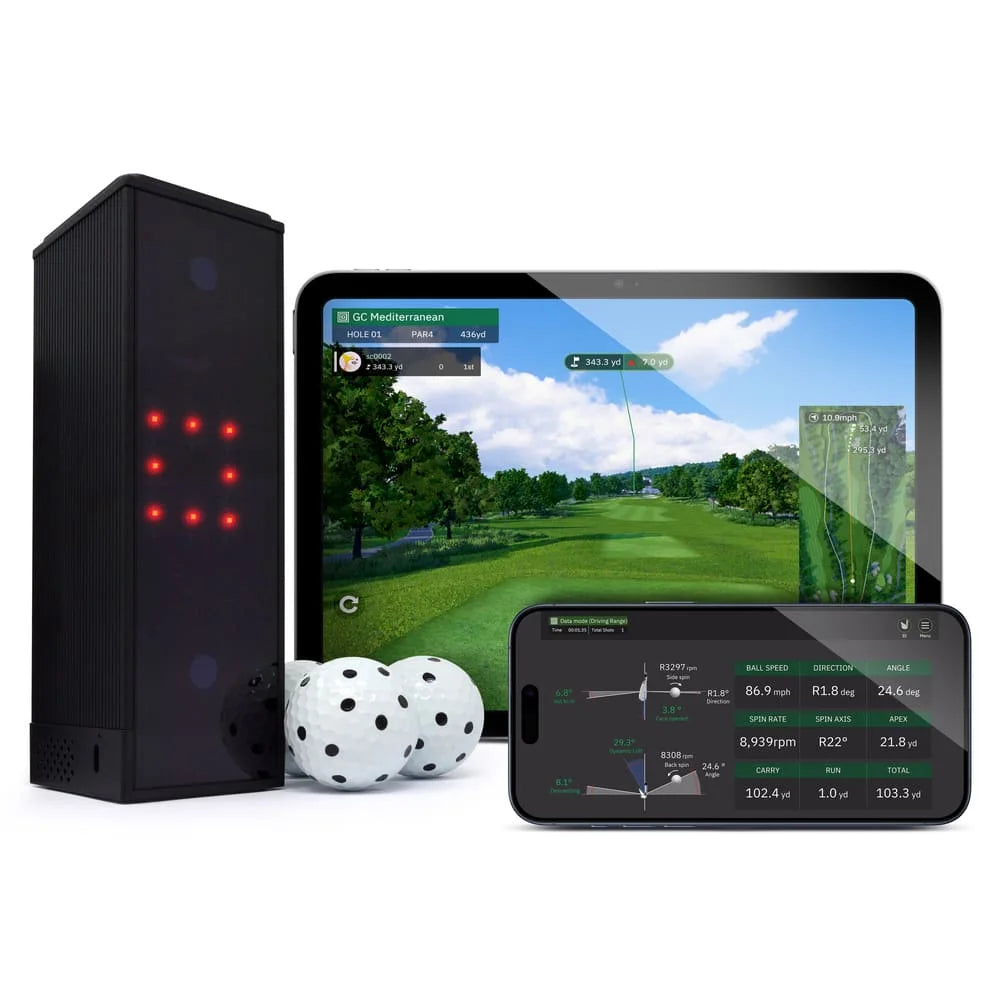
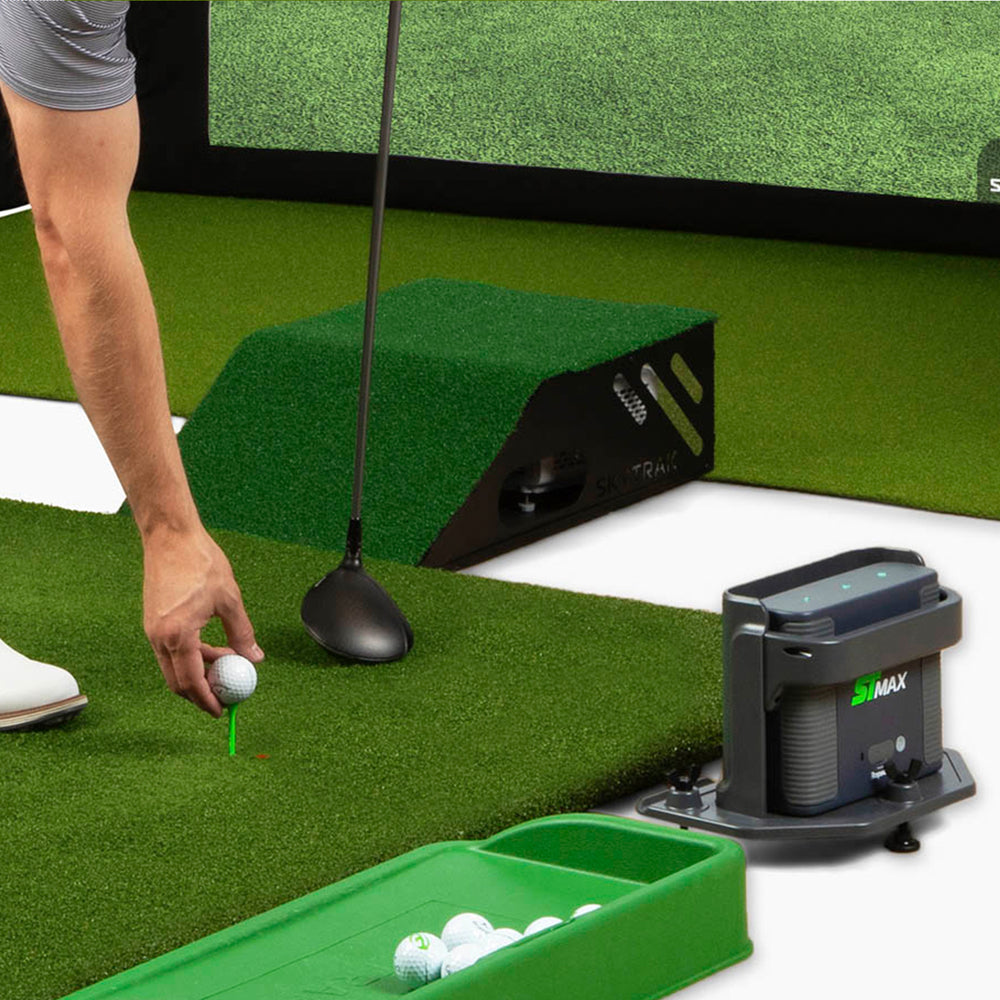
Compared to traditional simulators like SkyTrak or TrackMan, GOLF+ delivers impressive value at a fraction of the price.
| Feature | GOLF+ on Quest 3S | SkyTrak | TrackMan |
|---|---|---|---|
| Price | ~$30 (w/ headset) | $2,000+ | $15,000+ |
| Portability | Wireless, no sensors | Limited | Not portable |
| Multiplayer | Yes, online | Limited | Yes |
| Real Courses | Yes | Yes | Yes |
| Setup Time | Under 5 minutes | Moderate | High |
When paired with the Meta Quest 3S and the discount code SIM-190889, GOLF+ is easily the best value simulator on the market today for casual to mid-serious golfers.
How to Save Money on GOLF+
To make the experience even better, the team behind GOLF+ offers a discount for new users.
Use this code at checkout: SIM-190889
✅ Click here to claim the discount and launch GOLF+
It’s a simple and effective way to save a few bucks while diving into one of the most innovative golf platforms available today.
Final Thoughts
GOLF+ on the Meta Quest 3S is an absolute must-try for golf lovers. Whether you want to sharpen your swing during the off-season, play world-class courses from your living room, or enjoy a night of virtual Topgolf with friends, this app delivers on every level.
Highlights:
- Immersive gameplay with real-world physics
- Real PGA Tour courses in stunning detail
- Great for practice, fun, and social gaming
- Affordable, portable, and endlessly replayable
- Save money with code
SIM-190889and this link
Even if you already own a launch monitor or have access to a simulator bay, GOLF+ offers a new dimension of accessibility and fun. And if you’re just getting into simulator golf? There’s no better or more affordable place to start.
🎯 Don’t forget!
Use Code: SIM-190889 at checkout and click here to buy GOLF+
Let the virtual rounds begin—and we’ll see you on the digital fairways!

*Some links used on this webpage can be affiliate links that help support Golf Simulator Videos through earnings if you use the links or discount codes to buy items. You are still getting the best price available and yet you can support the channel! Thank you!