
Awesome Golf is the golf simulator software built for families, coaches and anyone without a gaming PC. It runs on an iPad, an iPhone, a Mac, a Chromebook, an Android tablet or a modest Windows PC, plays 12 courses and a set of games, and connects to launch monitors from Garmin, FlightScope, Foresight, Bushnell, Rapsodo, Square Golf and Uneekor. Here is what it costs, what each launch monitor needs to run it, the courses and games, what it does not do, and what GSV found across a dozen videos since 2020. Jay Lasco, host of Golf Simulator Videos, has played it on the Mevo+, the Garmin R10, the Rapsodo MLM2PRO and the Foresight GC3.
Awesome Golf has no GSV code. For a launch monitor that runs it, GSV5OFF takes 5% off a first order at Shop Indoor Golf, GSVMEVO takes 5% off the Mevo Gen 2 at FlightScope, and GSVSQUARE takes 5% off at Square Golf.
Launch monitors that run Awesome Golf
- Garmin Approach R105% off at Shop Indoor Golf with code GSV5OFF.First-time buyers only, one use. Not valid on a standalone Trackman, the Square Golf launch monitor or the ProTee VX.
- FlightScope Mevo Gen25% off at FlightScope with code GSVMEVO.
- Square Golf Home Edition5% off at Square Golf with code GSVSQUARE.
- Bushnell Launch Pro5% off at Shop Indoor Golf with code GSV5OFF, first-time buyers.
Will it fit? See each in your room in the free GSV Sim Builder, in 3D: Garmin R10, Mevo Gen2, Square Golf HE, Launch Pro.
Buying through GSV's links and codes helps support the channel: GSV earns a small commission at no extra cost to you, and you still get every saving available.
The short answer
- Who it is for: a family simulator, junior golfers, coaches, and a launch monitor paired with an iPad or a laptop rather than a gaming PC.
- What it costs: $14.99 a month, $159.99 a year or $349.99 once, with a 14-day free trial. The license goes with the launch monitor, on any of its devices.
- What it does not do: putting. Holes finish with an auto putt inside a gimme circle. For putting and thousands of courses, GSPro on a PC is the step up.
Awesome Golf at a glance
| Awesome Golf Simulator | |
|---|---|
| Maker | Great Detail Ltd, England |
| Price | $14.99 a month, $159.99 a year or $349.99 once |
| Free trial | 14 days |
| Runs on | Windows, iPhone and iPad, Apple silicon Macs, Android and Chromebooks |
| Courses | 12: seven of 18 holes and five of 9 holes |
| Games | 13 modes: Virtual Golf, range, challenges and shootouts |
| Putting | None: auto putt inside a gimme circle |
| Launch monitors | Garmin, FlightScope, Foresight, Bushnell, Rapsodo, Square Golf and the Uneekor EYE MINI |
From Awesome Golf's site and its help pages, read October 17, 2026.
Price and the license
Awesome Golf lists three plans in the US: $14.99 a month, $159.99 a year, or a lifetime license for $349.99. New users get a 14-day free trial, and every plan, the lifetime one included, gets future updates. Awesome Golf ties the license to the launch monitor, not to a device: the same launch monitor plays it on Windows, a Mac, a Chromebook, an iPad, an iPhone or Android. It is bought in the app after connecting the launch monitor.
Some launch monitors need their maker's plan as well:
- Garmin R10 and R50: nothing more. Awesome Golf says the Garmin Golf membership is not required.
- FlightScope: nothing more; the Pro Package adds data, mostly in Coaching.
- Square Golf: nothing more; launch monitor credits are not needed.
- Rapsodo MLM2PRO: Rapsodo Premium is required to connect, and it is separate from the Awesome Golf license.
- Foresight and Bushnell: Awesome Golf requires the Foresight Gold subscription.
Courses and games
The seven 18-hole courses: the West Course at Wentworth, the Majlis at Emirates Golf Club, the Blue Monster at Doral, Mission Hills Blackstone, Longleaf, Banff Springs and Sunningdale Heath. Each has five tees. The five 9-hole courses are Awesome Golf's own: Isla Verde, added in April 2026, Spring Park Hills, Island Beach, Desert Canyon and Valley Pines.
- Virtual Golf: 1 to 18 holes, stroke play, match play or skins, with wind, mulligans, a shot clock and rounds that resume later.
- Range: shot by shot, approach targets from 30 to 275 yd, club distances and a coaching view of path and face.
- Challenges: closest to the pin, longest drive, target golf and a skills challenge, with worldwide leaderboards and monthly competitions.
- Shootouts: arcade games such as Super Splash, Boat Blast and Wrecking Balls.
- Bots: computer players to play against in challenges, shootouts and rounds.
- AG Insights: sessions sync to a web account with averages and club data per shot.
No putting. A chip that finishes inside the circle counts one putt, and outside it two. Jay pointed out in 2021 that this suits the Garmin R10, which reads no putts anyway.
Launch monitors that work with Awesome Golf
| Brand | Models | Connects by |
|---|---|---|
| Garmin | Approach R10, Approach R50 | R10 by Bluetooth or the Awesome Golf Assistant app; R50 by Wi-Fi |
| FlightScope | Mevo Gen2, Mevo+, Mevo Range and the X3, Xi and X2 lines | Wi-Fi |
| Foresight | Falcon, QuadMAX, GCQuad, GC3, GC3S, GCHawk | USB or Wi-Fi |
| Bushnell | Launch Pro, Launch Pro Indoor | USB or Wi-Fi |
| Rapsodo | MLM2PRO | Bluetooth or the Assistant app |
| Square Golf | Home Edition, OMNI | Bluetooth |
| Uneekor | EYE MINI, since October 2026 | Wi-Fi or Ethernet |
Not on Awesome Golf's list: SkyTrak, the Foresight GC2, the Uneekor EYE XO and EYE XO2, Trackman and the ProTee VX. Rapsodo says the new MLM2XPRO works with Awesome Golf, but Awesome Golf's own list did not name it yet on October 17. On the MLM2PRO, Awesome Golf says angle of attack and club path do not show, because Rapsodo does not share club data with other software.
What Jay found
- Garmin R10, 2021: the Assistant app linked the R10 through a phone to the PC with a QR code, with only a very short delay on each shot. It was Awesome Golf's first Garmin release and one of GSV's most watched software videos.
- Graphics update, 2023: Awesome Golf reworked most of its textures, trees and water among them, without giving up the low-end hardware it runs on. Jay heard from many coaches using it with junior golfers.
- Rapsodo MLM2PRO, 2023: in the Rapsodo app, Simulation, then third-party apps, then Awesome Golf; scan the QR code on the PC with the Assistant app, and it is connected. A much more immersive game than Rapsodo's own simulation at the time, on an iPad or a low-powered PC.
- Foresight GC3, 2023: it connected by USB with no launcher software, and the detail view showed the GC3's club path and angle of attack. The shortest tees turn a course into a junior course.
- Mevo+, 2024: Doral's Blue Monster joined Wentworth and Emirates, and sessions began syncing to Awesome Golf's web portal with club data on every shot.
More in GSV's posts on the R10 release, connecting the MLM2PRO and the GC3 and Launch Pro.
The device it runs on
Awesome Golf was built to run on modest hardware. On Windows its minimum is Windows 10, a 2.2 GHz dual-core processor, 4 GB of memory and integrated graphics. It also runs on iPhones and iPads with iOS 15 or later, Apple silicon Macs, Android 8 or later, and Chromebooks from 2019 on. Awesome Golf recommends an internet connection for stats, leaderboards and competitions. See the best computer for a golf simulator for a PC that also runs GSPro.
Awesome Golf vs GSPro and E6
- Awesome Golf: the games, the family, the iPad, and a lifetime license at $349.99. No putting, and 12 courses.
- GSPro: more than 2,500 courses, real putting and the most realistic play, at $250 a year on a Windows PC with a graphics card. See the GSPro guide.
- E6 Golf 2026 and E6 CONNECT: TruGolf's software, with E6 CONNECT on a PC or an iPad. See the E6 guide.
Many simulators run more than one: GSPro for rounds, Awesome Golf for the games. The golf simulator software guide compares them all.
Which launch monitor for Awesome Golf
- The least to get started: the Garmin R10, with nothing to pay Garmin for Awesome Golf.
- Beside the ball, no subscription: the Square Golf Home Edition.
- Radar and a camera, with 8 E6 Connect courses to keep: the Mevo Gen 2.
- A camera launch monitor: the Bushnell Launch Pro or Foresight GC3, with Foresight's Gold subscription.
The launch monitor finder narrows it by room and budget, and the best launch monitors under $1,000 compares the low-cost units.
Launch monitors that run Awesome Golf
- Garmin Approach R105% off at Shop Indoor Golf with code GSV5OFF.First-time buyers only, one use. Not valid on a standalone Trackman, the Square Golf launch monitor or the ProTee VX.
- FlightScope Mevo Gen25% off at FlightScope with code GSVMEVO.
- Square Golf Home Edition5% off at Square Golf with code GSVSQUARE.
- Bushnell Launch Pro5% off at Shop Indoor Golf with code GSV5OFF, first-time buyers.
More GSV videos on Awesome Golf
Two Awesome Golf updates GSV filmed.
2023 update
With Square Golf
Quick clips
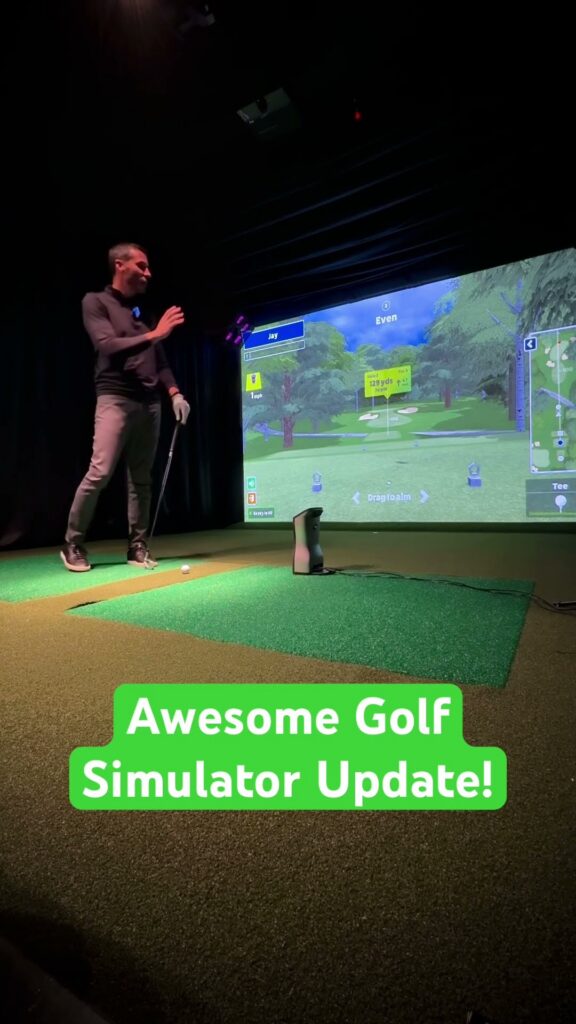
Shorts from the Golf Simulator Videos channel. Tap one to watch it here.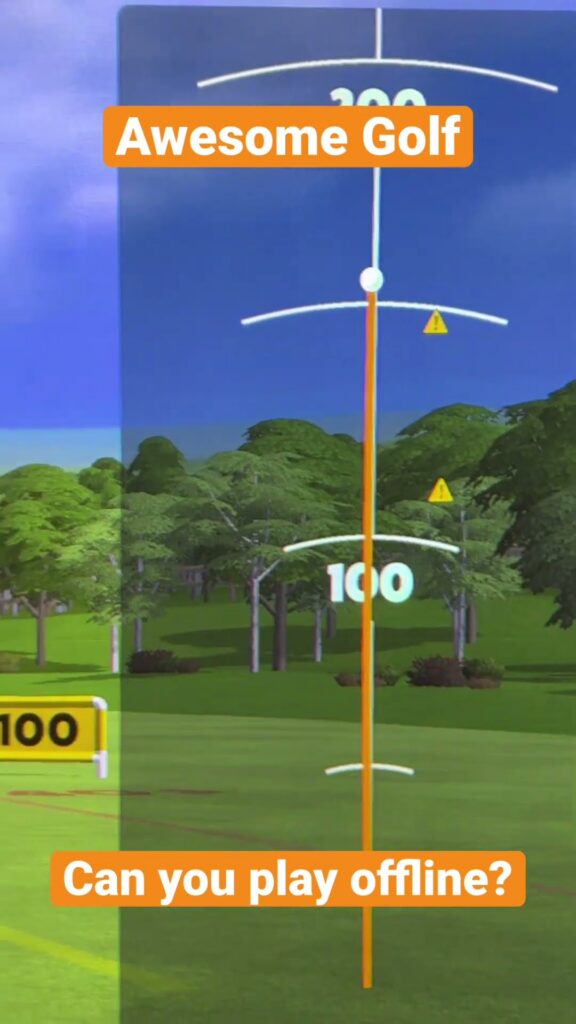
Free consultation with GSV's partner builders
Planning a family simulator? Jay works with official partners: master builders he hand-picked, who get on a call quickly and make sure the room, the launch monitor, the screen and the device fit before you buy anything. They offer package deals on the whole build, DIY packages, full installation, and more. The consultation is free.
Awesome Golf questions
How much does Awesome Golf cost?
Awesome Golf lists $14.99 a month, $159.99 a year or a lifetime license for $349.99 in the US, with a 14-day free trial. Every plan gets future updates. Some launch monitors also need their maker's plan: Rapsodo Premium for the MLM2PRO, and Foresight's Gold subscription for Foresight and Bushnell.
Which launch monitors work with Awesome Golf?
The Garmin R10 and R50, FlightScope's Mevo Gen2, Mevo+ and X3, Xi and X2 lines, the Foresight Falcon, QuadMAX, GCQuad, GC3, GC3S and GCHawk, the Bushnell Launch Pro, the Rapsodo MLM2PRO, the Square Golf Home Edition and OMNI, and the Uneekor EYE MINI. SkyTrak, Trackman and the Foresight GC2 are not on the list.
Does Awesome Golf have putting?
No. Holes finish with an auto putt: a chip inside the gimme circle counts one putt, and outside it two. For putting, GSPro or E6 on a PC with a launch monitor that reads putts.
Does Awesome Golf run on an iPad?
Yes. Awesome Golf runs on iPhones and iPads with iOS 15 or later, as well as Windows, Apple silicon Macs, Android and Chromebooks. One license covers the launch monitor on any of them.
How many courses does Awesome Golf have?
Twelve: seven 18-hole courses, among them Wentworth West, the Majlis at Emirates, Doral's Blue Monster and Banff Springs, and five 9-hole courses of Awesome Golf's own.
Is Awesome Golf or GSPro better?
For games, families, juniors and an iPad, Awesome Golf. For courses, putting and realism, GSPro, with more than 2,500 courses at $250 a year on a Windows PC. Many simulators run both.
Do you need a gaming PC for Awesome Golf?
No. Its Windows minimum is a 2.2 GHz dual-core processor, 4 GB of memory and integrated graphics, and it runs on tablets and phones.
All GSV posts on this (9)
- AWESOME GOLF SIMULATOR SOFTWARE – Foresight Sports GC3 & Bushnell Launch Pro Review 2023
- Awesome Golf Simulator Software Update: Data Export 2023
- Awesome Golf Simulator – GRAPHICS UPDATE for Garmin R10 & Flightscope MEVO+ Users 2023
- Awesome Golf Simulator Review with Flightscope Mevo+ Pro Package 2022
- Awesome Golf Simulator UPDATE! NOW Garmin R10 Compatible! (First Look & Review) 2021
- AWESOME GOLF SIMULATOR – Flightscope MEVO+ PC UPDATE & Hole io Style Game Review 2020
- Awesome Golf Simulator REVIEW for Flightscope Mevo Plus (UPDATE) 2020
- Awesome Golf Simulator Software – Virtual Golf – Flightscope Mevo Plus 2020
- Awesome Golf Simulator Software – Range Overview with Flightscope Mevo+ 2020
Build the rest of your sim
- Enclosure and screen$250 off at Shop Indoor GolfShop
- Carl's Place enclosure5% off, code sent by emailShopGet the code
- Hitting mat$20 off at Shop Indoor Golf. GSV5OFF is more on a first order over $400Shop
- Projector5% off at Shop Indoor Golf. First-time buyersShop
- Simulator computerSurfThing: $100 off applied automatically, no codeShop
- TouchscreenGSV code for TouchscreenGuruShop
- Complete package$250 off at Shop Indoor Golf. GSV5OFF is more on a first order over $5,000Shop
GSV earns a small commission on these links, at no extra cost to you. Shop Indoor Golf takes one code per order.