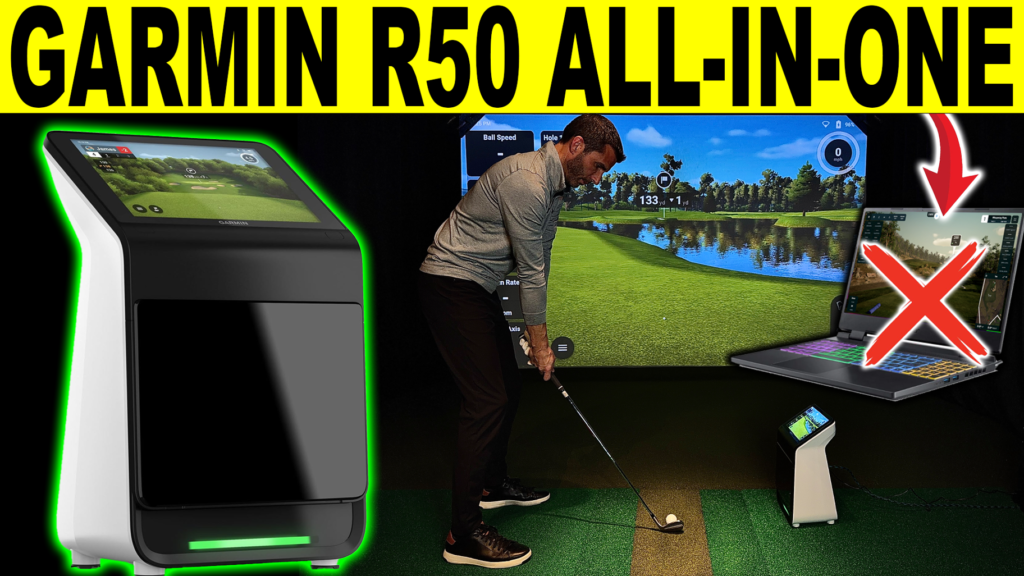
Indoor golf continues to evolve, and the Garmin R50 is one of the most talked-about all-in-one golf simulator options for home use. Designed to combine launch monitor data, simulator functionality, and a built-in display into a single unit, the Garmin R50 aims to simplify what has traditionally been a complex indoor golf setup.
In this review, we take a practical look at the Garmin R50 from an indoor simulator perspective — focusing on setup, usability, and what makes it different from traditional PC-based golf simulator systems.
Watch the Garmin R50 review video below for an in-depth unboxing & setup from Golf Simulator Videos.
What Makes the Garmin R50 Different
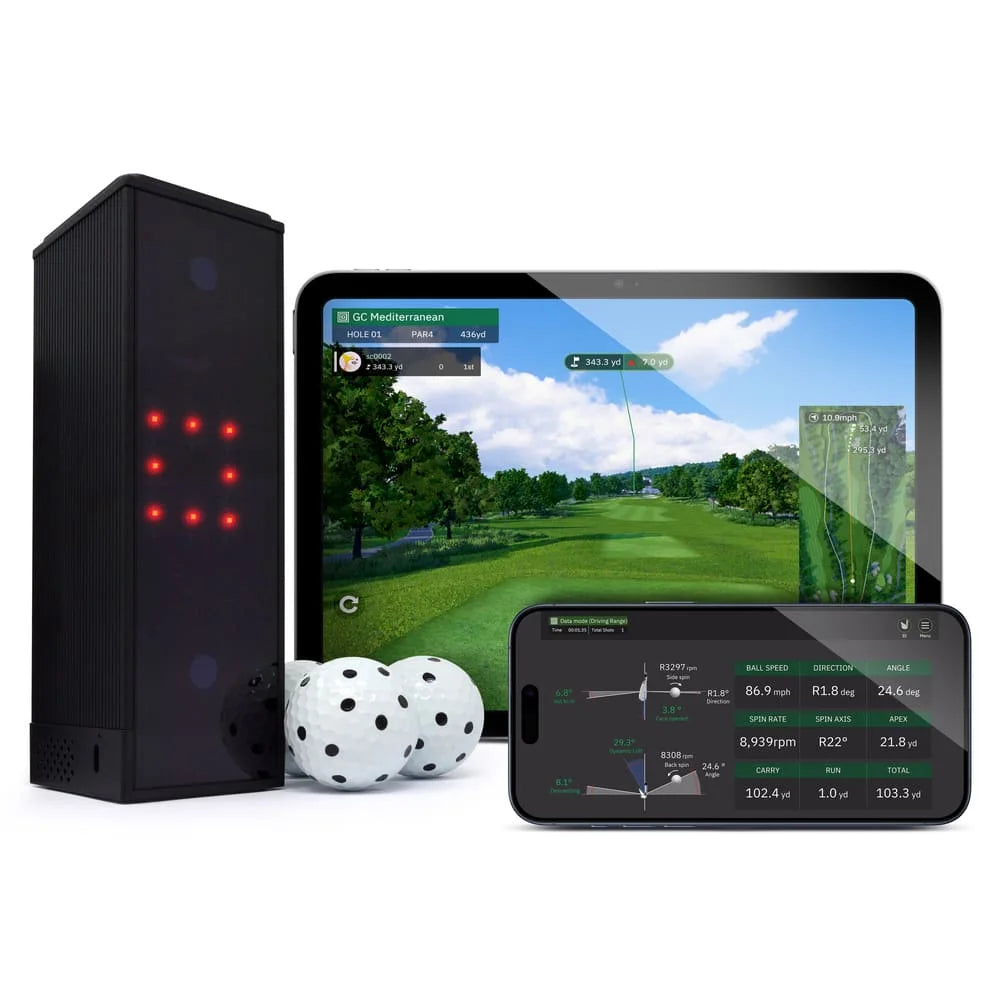
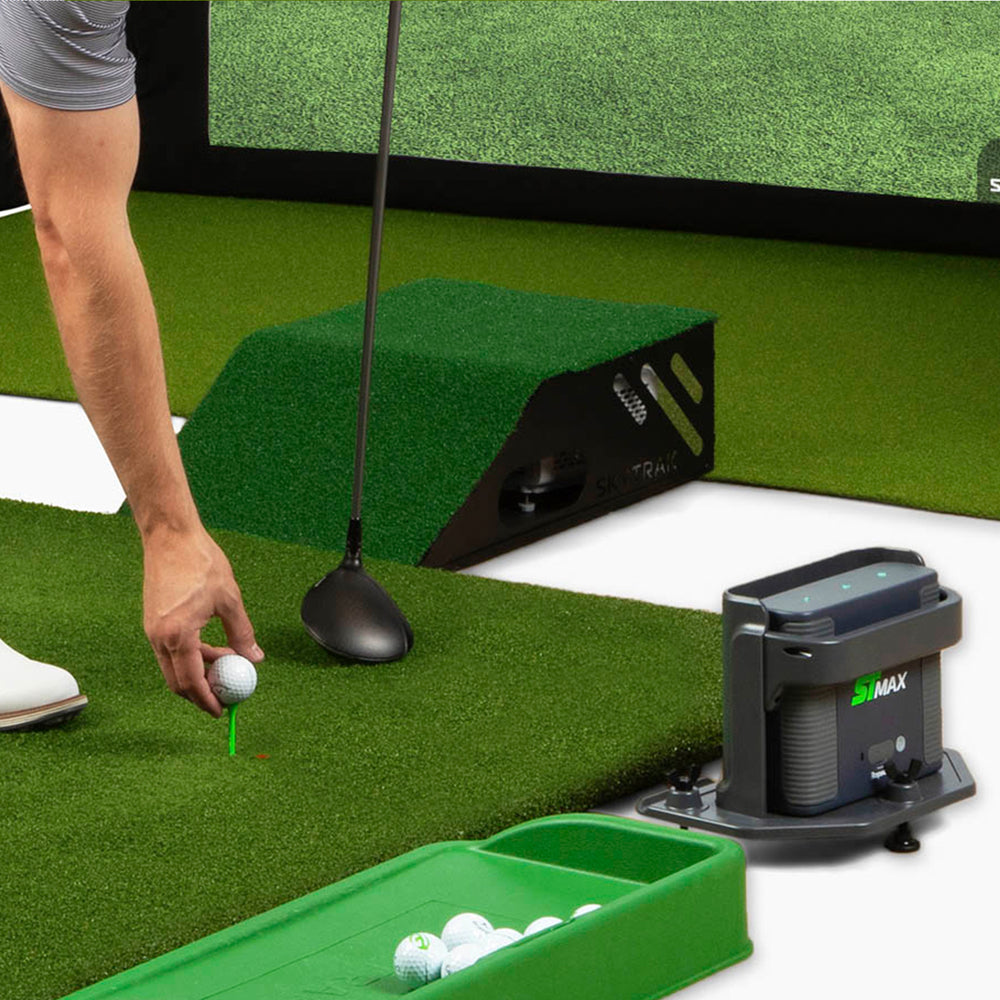
Most home golf simulators require multiple components: a launch monitor, a computer or gaming PC, display software, and external devices to manage it all. As you probably notice in the Garmin Approach R50 review video above, the Garmin R50 takes a different approach by integrating much of that experience into the unit itself.
The R50 features a built-in 10-inch touchscreen, allowing golfers to view shot data, navigate menus, and access simulator features directly on the device. This all-in-one design significantly lowers the barrier to entry for golfers who want indoor practice or simulator play without managing multiple pieces of hardware.
Indoor Setup and Placement
For indoor golf use, the Garmin R50 is positioned to the side of the hitting area rather than directly in front of the ball. This side-mounted configuration makes it easier to integrate into garages, basements, or dedicated simulator rooms without interfering with the hitting zone. One of the most frequently asked questions for home golf simulators is “how much space do I need for a golf simulator?” The GarminR50 allows for a simple answer, enough to safely swing and play due to it measuring the ball in such a small distance.
Setup is straightforward and does not require a gaming PC to get started. The unit can operate independently using its built-in screen, or it can be connected to a TV or projector via HDMI for a larger visual experience. This flexibility allows the R50 to work just as well in a compact practice setup as it does in a full home simulator build.
A full walkthrough of the unboxing and indoor setup process can be seen in the Garmin R50 unboxing and setup video, which shows how quickly the system can be ready for use.
Launch Monitor Technology and Data
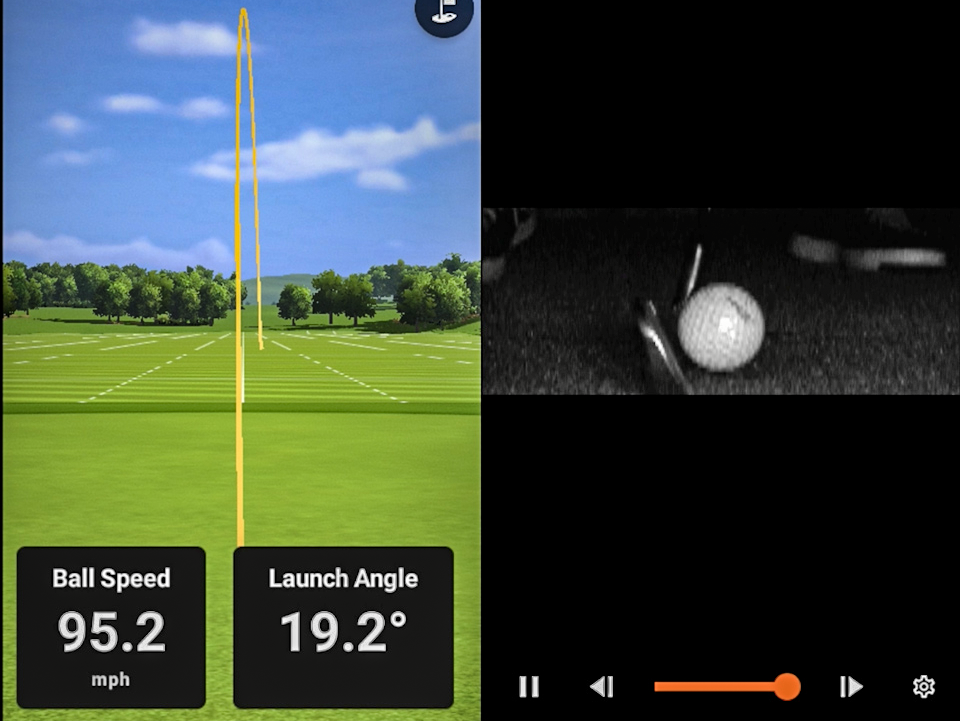
The Garmin R50 uses a three-camera system to capture ball and club data, along with high-speed impact video for visual feedback. Golfers can view key metrics such as ball speed, launch angle, spin rate, carry distance, and dispersion.
For players who want deeper club data, Garmin includes tracking stickers that unlock additional club metrics such as club path, face angle, and angle of attack. A built-in barometer helps adjust carry distance calculations based on environmental conditions, a feature that aligns with Garmin’s long history of sensor-based accuracy across its golf products.
Simulator Play and Course Options
Beyond practice and range sessions, the Garmin R50 supports full simulator play through Garmin’s Home Tee Hero platform. With an active Garmin Golf membership, users gain access to more than 43,000 virtual golf courses worldwide, allowing them to play full rounds from drive to putt.
This simulator capability, combined with the built-in display, makes the R50 one of the few portable launch monitors that can function as a true golf simulator without requiring a separate computer. A dedicated gameplay and course-play video is planned to further explore this aspect of the system.
Who the Garmin R50 Is Best For
The Garmin R50 is particularly well-suited for golfers who want an indoor golf simulator that is easy to set up and operate. Players looking to avoid managing a gaming PC or complex software ecosystem will appreciate the simplicity of the all-in-one design.
It is also a strong option for golfers who want flexibility — starting with a simple indoor practice setup and expanding later to a full simulator room with a projector or large display.
Golfers seeking an in-depth look at real-world indoor performance can watch the full Garmin R50 review video, which covers unboxing, setup, and first impressions in a live simulator environment.
Final Thoughts
The Garmin R50 represents a shift toward simpler, more integrated home golf simulator solutions. By combining launch monitor technology, simulator play, and a built-in screen into a single device, Garmin has created an option that reduces complexity while still delivering meaningful data and gameplay.
For golfers exploring indoor practice or home simulator builds, the Garmin R50 stands out as an all-in-one solution worth serious consideration.