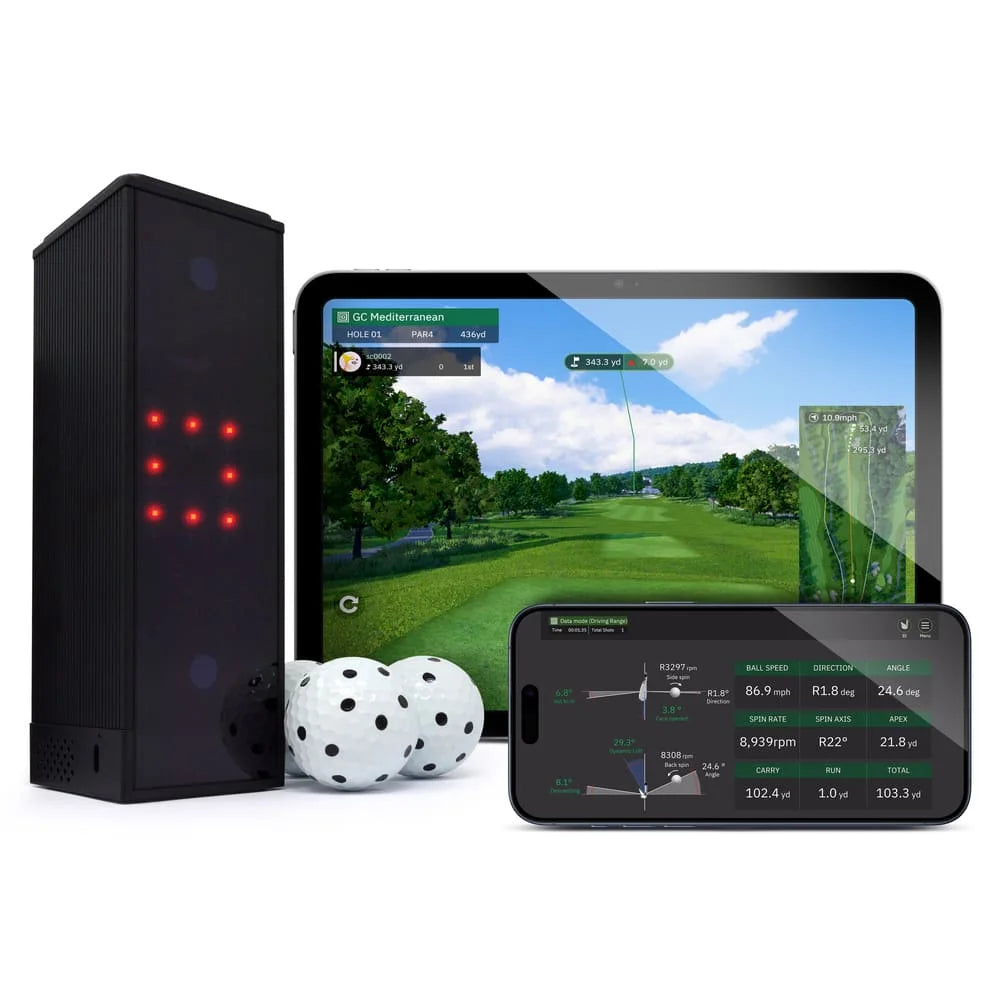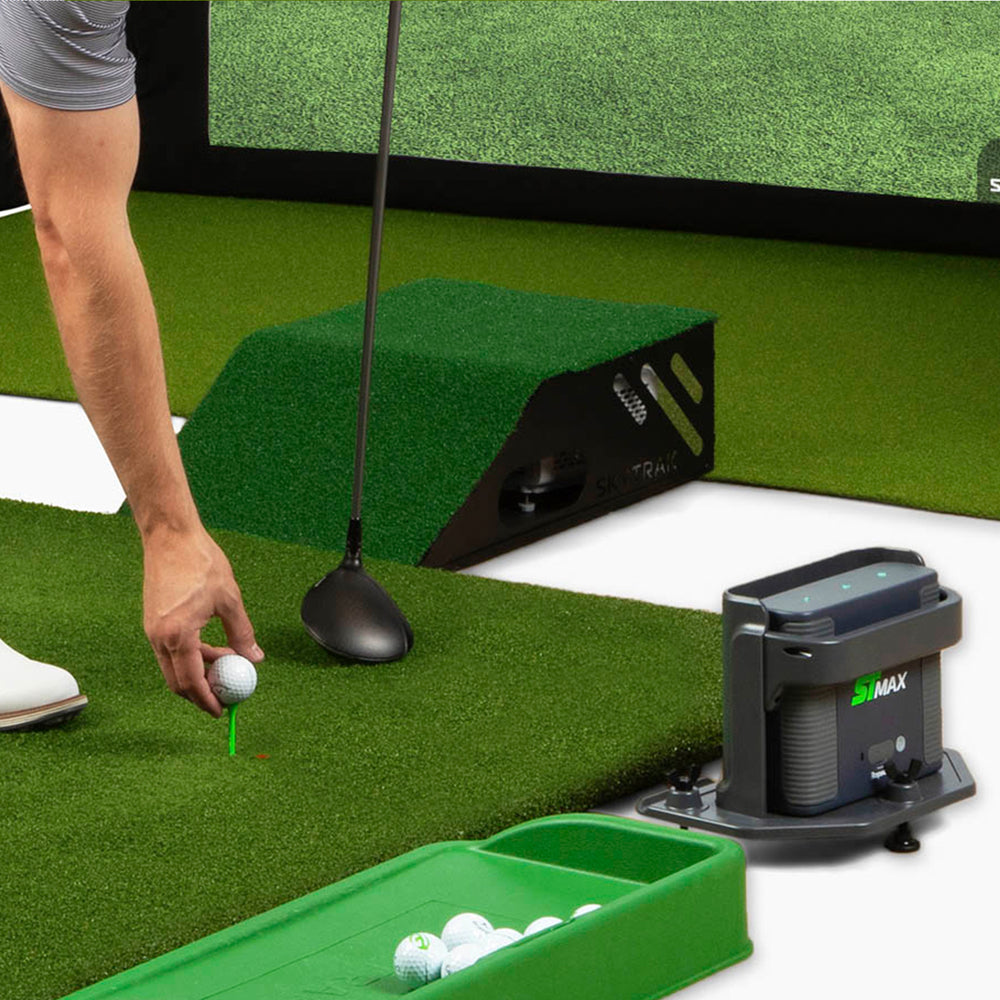
Last updated: February 2026 | By Jay, Golf Simulator Videos
The FlightScope Mevo Gen 2 and the Garmin Approach R50 are two of the most-searched launch monitors right now — and for good reason. Both sit in an interesting middle ground between budget units and five-figure professional systems. But they are built for very different golfers, and choosing the wrong one is an expensive mistake.
I’ve tested both units extensively in my simulator studio here at Golf Simulator Videos. This breakdown covers everything you need to make the right call: technology, accuracy, software, simulator compatibility, and who each unit is actually built for.
Quick answer: The Mevo Gen 2 wins on indoor and outdoor flexibility, club data hitting zone, and easy dual dexterity play — but the R50 performs very well indoors with precise putting, chipping and other shots needing no marked ball and just a single dot for club data including face angle. The R50 also boasts a very large screen for easy data view needing no external device.
Quick Comparison: Mevo Gen 2 vs Garmin R50 at a Glance
| FlightScope Mevo Gen 2 | Garmin Approach R50 | |
|---|---|---|
| Price | ~$1,299–$2,274 (before my GSVMEVO discount code is applied) | $4,999 |
| Technology | 3D Doppler radar + camera (Fusion Tracking) | 3-camera photometric (optical) |
| Ball Data Parameters | 20+ (base); 40+ with Pro Package | 15+ |
| Club Data | Requires Pro Package add-on | Included (with stickers) |
| Built-in Screen | No — requires phone, tablet, or PC | Yes — 10″ color touchscreen |
| PC/Tablet Required? | Yes (for simulation) | No — fully self-contained |
| Included Software | E6 Connect (12 courses), FS Golf App | Home Tee Hero (43,000+ courses, subscription req.) |
| 3rd Party Sim Compatibility | GSPro, TGC, Creative Golf, E6, and more | GSPro, E6 Connect (via HDMI output) |
| Works Outdoors? | Yes — radar tracks outdoors well | Yes — cameras work in most outdoor light |
| Marked Balls Required? | Yes — reflective dots indoors | No — works with standard balls |
| Battery Life | ~3 hours | ~4 hours |
| Subscription Fees | No subscription for core data | $99/year for Home Tee Hero courses |
| Putting Tracking | Yes, but can be tough to setup | Yes |
| Best For | Simulator builders, coaches, value seekers | Plug-and-play simplicity, all-in-one buyers |
Technology: How Each Launch Monitor Tracks Your Ball
This is the most important difference between the two units, and it’s worth understanding before anything else.
FlightScope Mevo Gen 2 — Radar + Camera (Fusion Tracking)
The Mevo Gen 2 uses FlightScope’s Fusion Tracking technology, which combines 3D Doppler radar with a high-speed camera. The radar tracks ball flight, while the camera captures impact data. This hybrid approach is what allows the Mevo Gen 2 to work both indoors and outdoors with solid consistency, shining outdoors with flight tracking.
The tradeoff: indoor use requires reflective dot stickers on your golf balls. This is a small inconvenience, but it’s worth knowing upfront. Most serious sim users don’t mind — you buy a bucket of practice balls, apply the stickers once, and you’re done. Setup is crucial for best results using Mevo Gen 2 and higher ball speeds under 12ft of ball flight could see less accuracy indoors.
Garmin Approach R50 — Photometric (Three Cameras)
The R50 is a fully optical launch monitor, using three high-speed cameras to directly measure ball and club data at impact. This is the same fundamental technology used by units like the Foresight GCQuad at much higher price points. The advantage: no marked balls required, and putting is supported. The R50 measures spin directly rather than calculating it — which matters for accuracy.
The tradeoff: The hitting zone is smaller and dual dexterity is really non existent as moving the unit back and forth is not very realistic in my opinion. I’ve found the R50 to work really well indoors with solid putting, chipping, and ball flight shapes. I enjoyed the ball impact camera view for validating shots.
Accuracy: How Do They Stack Up?
Both units deliver accuracy that’s well beyond what most home golfers need. In my testing, distances are within a few yards and spin rates are within a reasonable range compared to higher-end units I’ve tested side-by-side in the studio.
The Mevo Gen 2 has a longer track record, and its accuracy with the Pro Package enabled (which gives you face angle, path, angle of attack, and the full D-Plane dataset) is genuinely excellent for the price. Where radar units like the Mevo Gen 2 can occasionally struggle: very short shots indoors or putting, and high spin rates from wedges at close range.
The R50’s direct spin measurement gives it an edge on wedge and short game data — and putting tracking is a unique capability no radar unit at this price offers. User comparisons against Trackman have shown impressively close distance and spin numbers for the R50.
Verdict on accuracy: Both are within a very good tolerance indoors based on pricing, and accurate enough for most home simulator use. The R50 edges it for short game and wedge data. The Mevo Gen 2 edges it for full swing data volume (more parameters).
Software & Simulator Compatibility
FlightScope Mevo Gen 2
The Mevo Gen 2 is one of the most widely compatible launch monitors on the market. It works natively with:
- E6 Connect (12 courses included free)
- GSPro
- The Golf Club / TGC 2019
- Creative Golf 3D
- Awesome Golf
- FlightScope’s own FS Golf App and FS Skills App
No subscription is required for your core data — FlightScope has committed to keeping all data parameters free. If you want more courses in E6, you can purchase additional bundles or a yearly subscription.
Garmin Approach R50
The R50 includes access to 43,000+ courses via Home Tee Hero — an extraordinary library. The interface runs directly on the unit’s 10″ touchscreen with no external device needed. It also connects to GSPro and E6 Connect via HDMI output for a big-screen experience.
The catch: Home Tee Hero requires a Garmin Golf membership at $99/year. For most people, that’s a very reasonable ongoing cost. The R50’s third-party compatibility is improving but still narrower than the Mevo Gen 2’s. Garmin also has 3rd party connections available for GSPro, E6 Connect & Apex, plus Awesome Golf.
Verdict on software: They both have solid options, some find that the Garmin R50 built-in software is a huge advantage if they do not want to mess with getting a gaming computer or iPad.
Setup & Ease of Use
The R50 is in a class of its own here. It is the closest thing to a truly plug-and-play golf simulator that exists at any price point. Power it on, place it behind the ball, and you’re playing golf — on the unit’s own screen, no other devices required. For a golfer who wants simplicity above everything else, this is genuinely revolutionary.
The Mevo Gen 2 requires a bit more setup: you need a phone, tablet, or PC to run the software, and you’ll need to apply the reflective sticker dots to your balls for indoor use. It’s not complicated, but it’s more involved than the R50’s experience. The key is following items like having a flat floor, no interference in the room, and proper distances.
Verdict on setup: R50 wins by a wide margin.
Who Should Buy the Mevo Gen 2?
The Mevo Gen 2 is the right choice if:
- You’re planning on using the device both indoors and outdoors and want flight tracking.
- You want to use GSPro, TGC, or Creative Golf 3D as your primary simulator software
- You want the most data parameters for game improvement and club fitting
- You’re a coach or club fitter who needs the full D-Plane dataset (Pro Package)
- Budget is a consideration — the Mevo Gen 2 offers exceptional value relative to its capability
- You plan to have both right and left handed golfers.
My honest take: For 80% of people building a home simulator, the Mevo Gen 2 is still one of the smartest purchases in the market based on its budget price. The Pro Package unlocks club data that competes with monitors costing three times as much.
Read my full Mevo Gen 2 review →
Who Should Buy the Garmin R50?
The R50 is the right choice if:
- You want the simplest possible simulator experience — no PC, no tablet, no fuss
- You want to play with standard golf balls (no stickers)
- Putting tracking and short game data matter to you
- You’re setting up in a space where a full screen/projector setup isn’t practical
- Budget is less of a concern and you’re willing to pay a premium for the all-in-one convenience
- You want access to 43,000+ real-world courses out of the box
My honest take: The R50 is a genuinely impressive piece of technology. The price is steep, but if the plug-and-play experience is what you’re after, nothing does it better right now.
Read my full Garmin R50 review →
Final Verdict: Mevo Gen 2 vs Garmin R50
These are not really head-to-head competitors in the traditional sense — they’re designed for different golfers with different priorities.
Choose the Mevo Gen 2 if you want both indoor and outdoor capabilities with easy right and left handed play.
Choose the Garmin R50 if simplicity is your top priority, you don’t want to manage additional hardware, and you’re willing to pay the premium for the most seamless golf simulator experience ever put in a single device.
Have questions about either unit? Email me directly — I help people find the right simulator setup for their space and budget every day, and I can often get you a discount code too.
Frequently Asked Questions
Can the Garmin R50 connect to GSPro?
Yes. The R50 connects to GSPro and other third-party simulator software via Wi-Fi, but you will need a gaming PC. You’ll still use the R50’s built-in screen for data and shot feedback.
Does the Mevo Gen 2 require marked balls indoors?
Yes — the Mevo Gen 2 requires small reflective dot stickers applied to your golf balls for indoor use. FlightScope provides these with purchase. Outdoors, no stickers are needed. The Garmin R50 works with any standard golf ball in both environments.
Is the Mevo Gen 2 still worth buying in 2026?
Yes, especially with the current pricing. FlightScope has confirmed they will continue supporting the Mevo Gen 2 for years to come. With the Pro Package, it remains one of the most data-rich and software-compatible monitors at its price point.
What simulator software is included with the Garmin R50?
The R50 includes access to Home Tee Hero, which provides 43,000+ virtual courses directly on the unit’s touchscreen. An active Garmin Golf membership is required at $99/year. The R50 is also compatible with GSPro and E6 Connect via HDMI.
Can the Mevo Gen 2 track putting?
Yes, but it can be difficult unless you have a nice smooth flat rolling surface. If putting data and practice is important to you, the Garmin R50 is one of the few launch monitors in this price range that supports putting tracking.
Which launch monitor is more accurate — the Mevo Gen 2 or the Garmin R50?
Both have solid accuracy when set up properly for home simulator use. The Mevo Gen 2 with Pro Package provides more total data parameters and excels for full swing analysis, but can have restrictions. The R50 uses direct camera measurement for spin (rather than calculating it), which gives it an edge on short game and wedge accuracy. For the vast majority of home golfers, both are more than accurate enough.
Does the Garmin R50 work without wifi or a subscription?
The R50 can operate and display launch data without wifi or a subscription. However, playing courses via Home Tee Hero requires an active Garmin Golf membership ($99/year) and an initial internet connection for setup and firmware updates. The R50 does not require a continuous internet connection for play once set up.
Looking for more comparisons? Check out my full Mevo Gen 2 review, the Garmin R50 deep dive, or the best projectors for your simulator build. For personalized help, reach out directly — it’s always free.