The full guide: Square Golf review
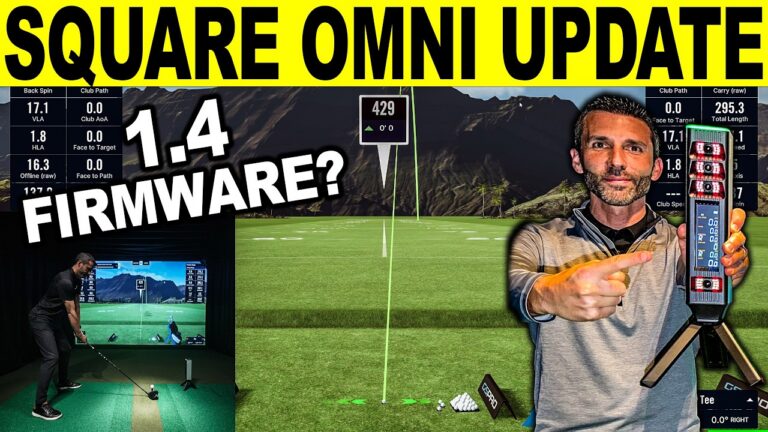
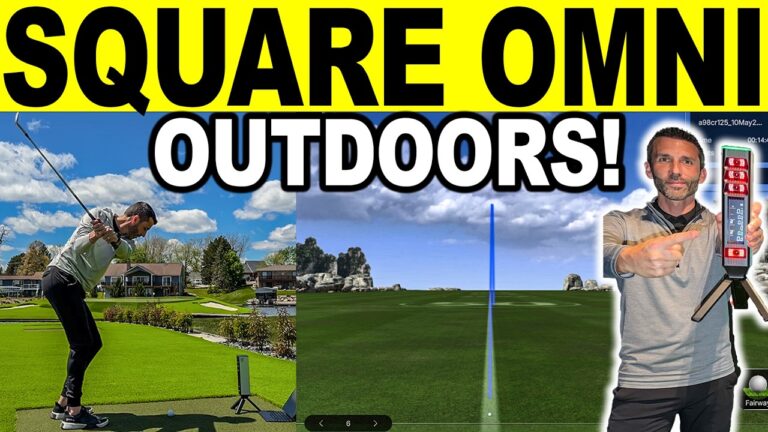
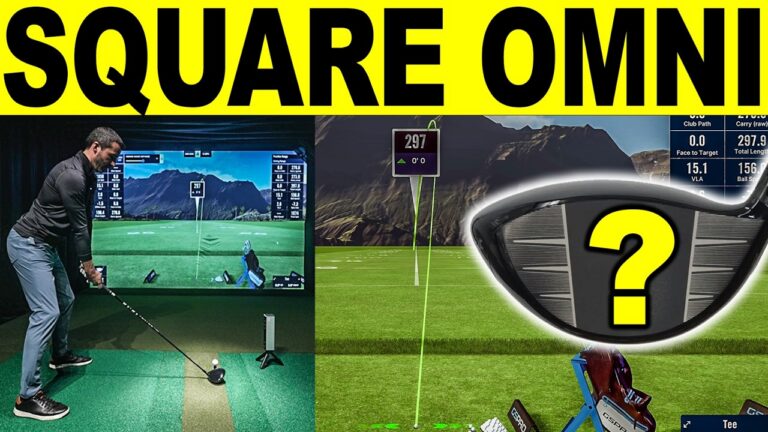
In this January 2025 video, Jay Lasco, host of Golf Simulator Videos, goes through a new update for the Square Golf launch monitor and golf simulator. It changes the ball-ready screen, spin measurement, ball compatibility and the battery.
Square Golf
- Square Golf Home Edition5% off at Square Golf with code GSVSQUARE.
- Square Golf OMNI5% off at Square Golf with code GSVSQUARE.
Will it fit? See each in your room in the free GSV Sim Builder, in 3D: Square Golf HE, Square OMNI.
Buying through GSV's links and codes helps support the channel: GSV earns a small commission at no extra cost to you, and you still get every saving available.
See Square Golf in your room Square Golf review
What the video covers
In this January 2025 update, Square Golf changed the launch monitor's OS, its firmware and the Square Golf app. The changes, as Square Golf listed them in its update notes:
- Ball Ready screen: an improved Ball Ready interface in the app for clearer ball setup, meant to end the habit of looking down before each shot.
- Spin measurement: improved spin accuracy with the standard marked balls.
- New balls: compatibility with the TP5 PIX and select Callaway balls, which needs the OS update, plus a new ball type setting in the app.
- Battery: a fix for wrong battery level readings, and better battery efficiency for longer use.
How to install it, per the description: download and unzip the OS update and the firmware update on a Windows 10 or 11 PC, connect the Square Golf device to the PC with a USB-C cable and turn it on, run SQG_OS_Update.exe from the OS update folder, then run SQGFWUpdate.exe from the firmware update folder. Then update the app: on Android 10 or later and iOS 13 or later, the app offers the install when opened, and the PC app (version 1.3.2 at the time) comes from the Square Golf website. Last, connect the device.
The GSPro connector was updated at the same time, to version 0.9.8 Beta, from the Support tab of the Square Golf website.
Where this stands now
This video is from 2025. The current Square Golf details are in the Square Golf review, and the two models side by side are in Square Golf Home Edition vs OMNI.
The GSV Sim Builder places a launch monitor in your room at its real distance, with the screen, the mat and the golfer, and checks the fit.
Build the rest of your simulator
- Golf simulator enclosures and screens$250 off at Shop Indoor Golf with code GSV250.SIG8, SIG10 and SIG12 enclosures and studios, DIY and commercial enclosures, G-TRAK screens, SIGPRO flooring and complete simulator packages.
- Golf hitting mats$20 off at Shop Indoor Golf with code GSVMAT. On a first order over $400, GSV5OFF takes more: 5% off.SIGPRO Softy, Super Softy, Softy Lite and Commercial Teeline mats.
- Golf simulator projectors5% off at Shop Indoor Golf with code GSV5OFF.First-time buyers only, one use. Not valid on a standalone Trackman, the Square Golf launch monitor or the ProTee VX.
- Complete golf simulator packages$250 off at Shop Indoor Golf with code GSV250. On a first order over $5,000, GSV5OFF takes more: 5% off.
Free consultation with GSV's partner builders
Planning a simulator around the Square Golf launch monitor? Jay works with official partners: master builders he hand-picked, who get on a call quickly and make sure the launch monitor, the screen, the PC and the room fit before you buy. They offer package deals on the whole build, DIY packages, full installation, and more. The consultation is free.
Build the rest of your sim
- Enclosure and screen$250 off at Shop Indoor GolfShop
- Carl's Place enclosure5% off, code sent by emailShopGet the code
- Hitting mat$20 off at Shop Indoor Golf. GSV5OFF is more on a first order over $400Shop
- Projector5% off at Shop Indoor Golf. First-time buyersShop
- Simulator computerSurfThing: $100 off applied automatically, no codeShop
- TouchscreenGSV code for TouchscreenGuruShop
- Complete package$250 off at Shop Indoor Golf. GSV5OFF is more on a first order over $5,000Shop
GSV earns a small commission on these links, at no extra cost to you. Shop Indoor Golf takes one code per order.