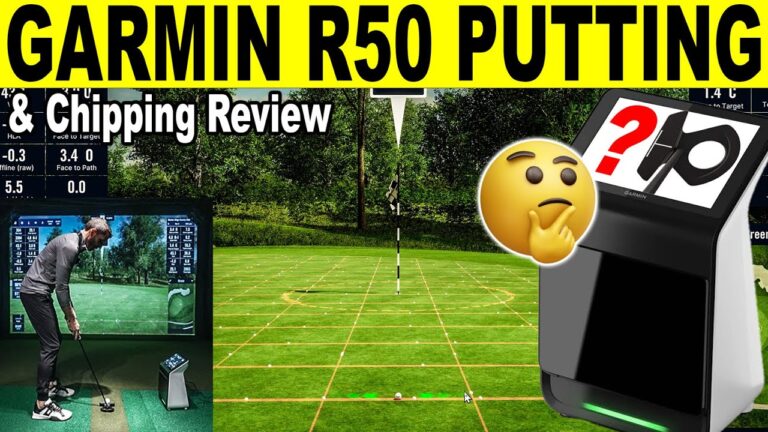
How accurate is the Garmin Approach R50 with driver? In this in-depth Garmin R50 driver review, we test real-world driver performance and accuracy using GSPro Golf Simulator software. See how the R50 handles ball flight, distance, spin axis, and shot consistency when paired with GSPro in a home golf simulator environment including club data! If you’re considering the Garmin R50 for your home golf simulator, this video shows exactly how it performs with the driver.
Quick buy: Garmin Approach R50
- Garmin Approach R505% off at Shop Indoor Golf with code GSV5OFF.First-time buyers only, one use. Not valid on a standalone Trackman, the Square Golf launch monitor or the ProTee VX.
Buying through GSV's links and codes helps support the channel: GSV earns a small commission at no extra cost to you, and you still get every saving available.
Garmin Approach R50 Frequently Asked questions
Do you need to use club stickers with Garmin R50?
No, you do not need to use club stickers. But if you do want the club data then you will need a single circle sticker on the top middle of your club face.
Does the Garmin R50 need special lighting?
No, the Garmin R50 has infrared so as long as you do not have very harsh bright light on the ball, you do not need to worry about lighting.
Can I use GSPro with Garmin R50?
Yes, The Garmin R50 easily connects with GSPro with it’s built in Wi-Fi and offcial GSPro connection. (Gaming PC needed for GSPRO)
Do I need special marked balls for Garmin R50?
No, the R50 does not need any special golf ball. For best results, Garmin recommends facing any test or logo on the ball towards the launch monitor but it is not required.
Do I have to pay to play the built in courses?
Yes you will need a Garmin account and pay a $9.99 per month fee for access to Home Tee Hero course play and on-course practice. This also allows you access for other Garmin premium products features.
Chapters:
00:00 Garmin R50 Intro GSPro Setup
01:07 First Shot
02:09 R50 Impact Video Review
03:27 More Driver Testing
13:26 My Best Drive with R50
14:27 Final Garmin R50 Driver Thoughts
#garminr50 #garminr10 #golf #golfsimulators #gspro #golfequipment #golfgear #golfswing #golfsimulator #golftips #homegolfsimulator #pga #2026pgashow #golfnetwork
Where to buy the Garmin Approach R50
- Garmin Approach R505% off at Shop Indoor Golf with code GSV5OFF.First-time buyers only, one use. Not valid on a standalone Trackman, the Square Golf launch monitor or the ProTee VX.
Free consultation. GSV's partner master builders, hand-picked by Jay, get on a call quickly and make sure everything fits, with package deals, DIY packages, full installation and more.
Get a free consultationPrices are on the shop's page. Codes last checked October 9, 2026.
Build the rest of your sim
- Enclosure and screen$250 off at Shop Indoor GolfShop
- Carl's Place enclosure5% off, code sent by emailShopGet the code
- Hitting mat$20 off at Shop Indoor GolfShop
- Projector5% off at Shop Indoor Golf. First-time buyersShop
- Simulator computerSurfThing: $100 off applied automatically, no codeShop
- TouchscreenGSV code for TouchscreenGuruShop
- Complete package$250 off at Shop Indoor GolfShop
GSV earns a small commission on these links, at no extra cost to you. Shop Indoor Golf takes one code per order.