
FlightScope Mevo Gen 2 vs Garmin R10: Which Budget Launch Monitor Is Actually Right for You?
Both sit under $1,500. Both work indoors and outdoors. But they are built around different technology with very different capabilities — and one outgrows the other quickly. Here is the honest breakdown from Jay, with specs pulled directly from manufacturer documentation.
Jay's Quick Verdict Before the Deep Dive
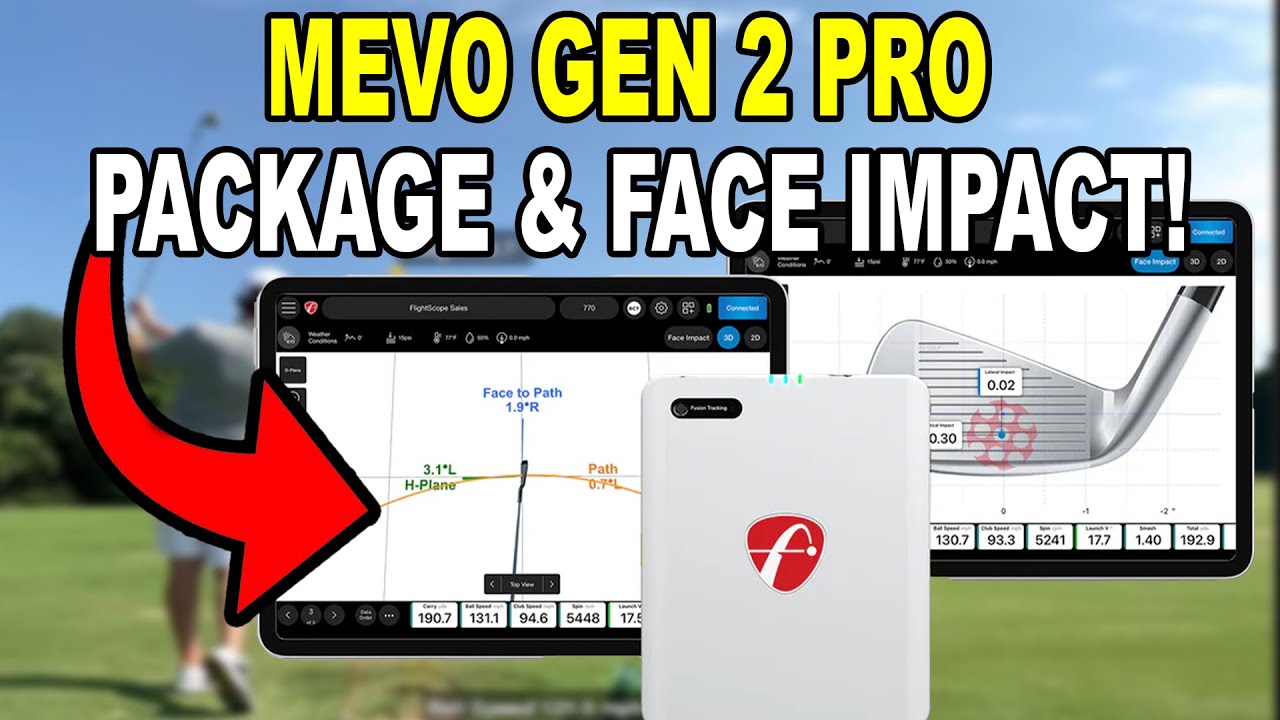
The Garmin R10 at ~$500 is a legitimate starting point. It works, it is portable, and for outdoor range use it delivers useful data at a price nobody can argue with. But the FlightScope Mevo Gen 2 at $1,299 is a fundamentally more capable device — real putting mode, significantly better spin accuracy indoors through Fusion Tracking, no subscription required for anything, and a clear upgrade path through the Pro Package and Face Impact add-ons that deliver near-professional club data when you are ready. For most serious simulator builders, the extra $800 is worth it and saves money long-term by avoiding a mid-range upgrade in 12–18 months.
FlightScope Mevo Gen 2
$1,299 — No Subscription EverPatented Fusion Tracking (radar + camera), built-in putting mode, 18 data parameters base with no subscription. FS Golf app permanently free. 8 E6 courses lifetime ownership. Expands with Pro Package (11 D-Plane club parameters) and Face Impact Location. Works indoor and outdoor on any surface.
- Fusion Tracking — radar + camera for better indoor spin
- Real putting mode: Launch Speed, Distance, Ball Direction
- No subscription ever — FS Golf app permanently free
- 8 E6 courses included, lifetime ownership
- GSPro connector free — no extra fee to connect
- Pro Package add-on: 11 D-Plane club parameters (one-time)
- 6-hour battery, USB-C charging
Garmin Approach R10
~$500 — Subscription for Full Sim FeaturesRadar-only, ~$500, portable and excellent outdoors on real grass. Directly measures only 4 parameters — everything else including spin is calculated by algorithm. No putting mode available at any price. GSPro not officially supported. Home Tee Hero requires Garmin Golf subscription at $99/yr. Best if lowest price or outdoor use is the priority.
- ~$500 — lowest entry price in class
- Works outdoors on real grass, no special balls needed outdoors
- Radar only — directly measures 4 parameters
- Spin calculated — cannot detect gear effect from off-center hits
- No putting mode at any price
- Home Tee Hero requires Garmin Golf subscription ($99/yr)
- 10-hour battery life
How You Use It Changes Everything
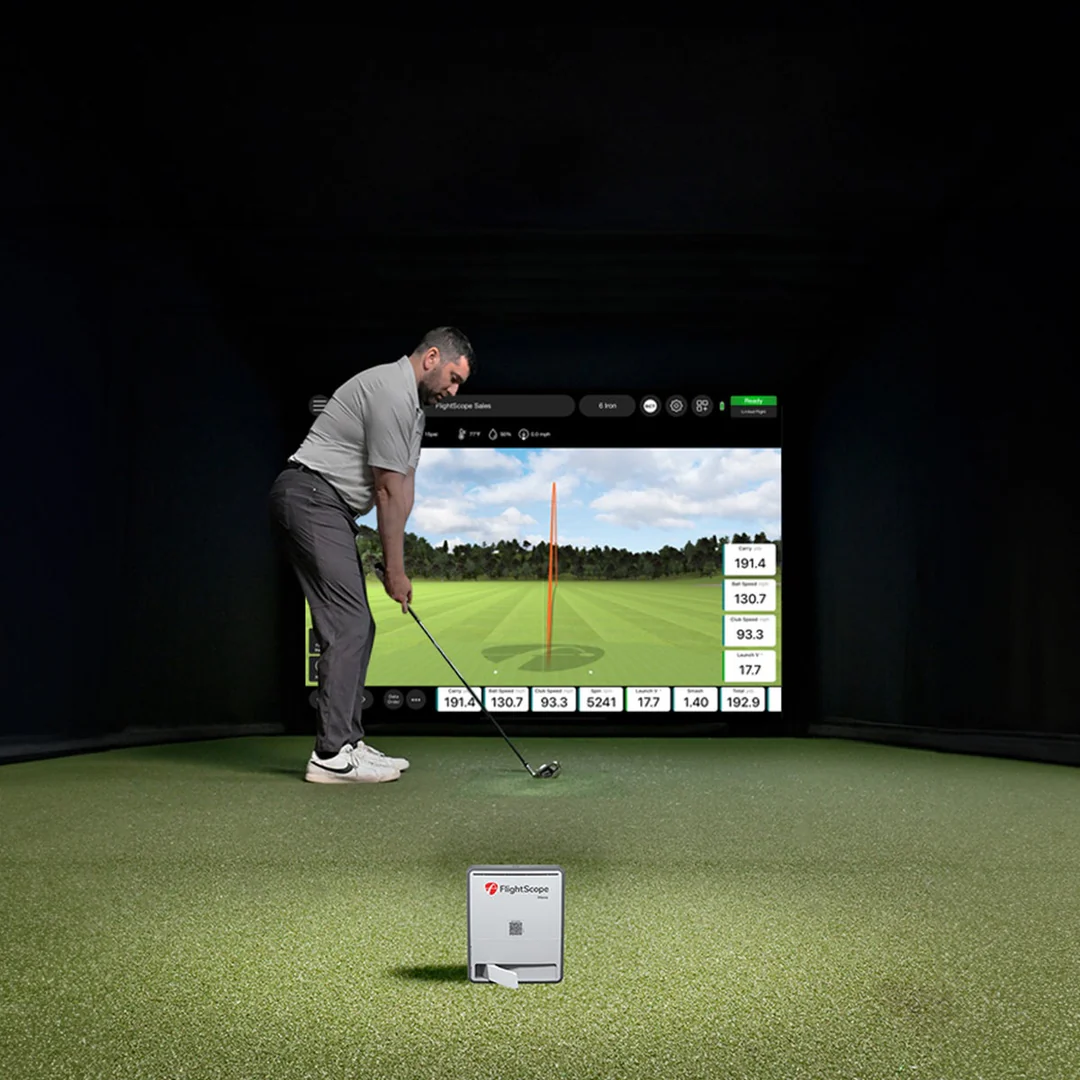
Before price, before specs, ask yourself one question: are you building a permanent indoor simulator, or do you want to use it at the driving range on real grass?
If you are building a permanent indoor bay where accurate spin data, putting capability, and a real software platform matter day to day — the Mevo Gen 2 is the right tool. Its Fusion Tracking technology gives it a meaningful spin accuracy advantage over radar-only devices indoors, where restricted ball flight makes radar spin calculations less reliable.
If you need the lowest possible entry price or plan to use the unit primarily at the range on real grass, the R10 makes sense as a starting point. Radar performs better outdoors where it can observe the full ball flight arc. The data limitations are real but acceptable if you understand what you are getting.
Jay's Take: Most people who start with the R10 wish they had spent more. The spin limitations indoors are real, there is no putting mode at all, and the subscription for sim play adds cost over time. If you can stretch to the Mevo Gen 2 it is a more complete device that will not frustrate you six months in.
Mevo Gen 2 — Jay's Full Review Including Accuracy Testing
Jay's full Mevo Gen 2 review covers the unboxing, indoor and outdoor accuracy testing, the FS Golf app, simulator integration, putting mode, and the Pro Package upgrade. Watch this before deciding.
Fusion Tracking — Why the Technology Matters Indoors
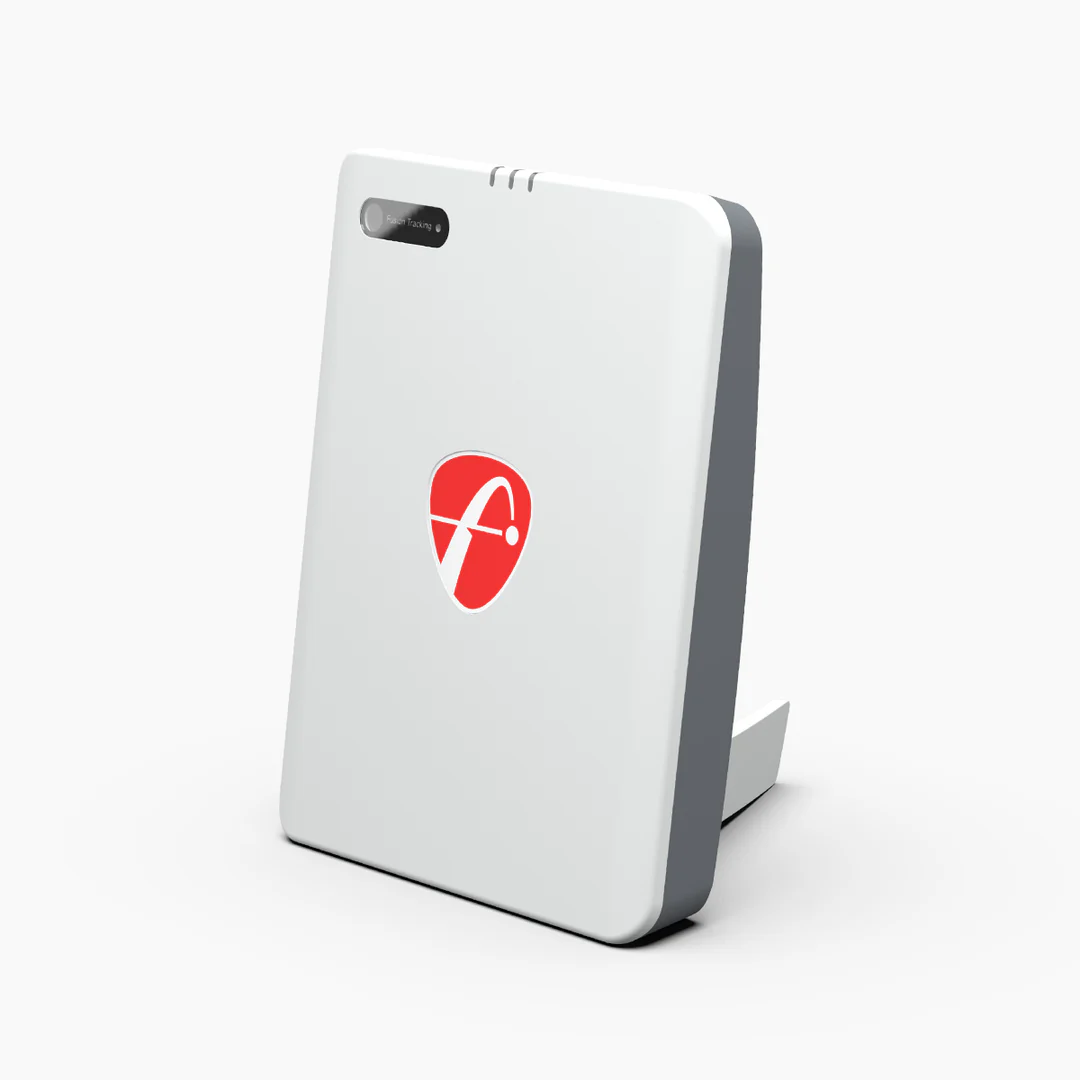
The Mevo Gen 2 uses FlightScope's patented Fusion Tracking technology: a combination of 3D Doppler radar and synchronized camera image processing. This is a fundamentally different approach from radar-only devices like the R10, and the difference shows most clearly in spin accuracy indoors.
Radar alone calculates spin from observed ball flight. When that flight is restricted by a short indoor space, those calculations become less reliable. Fusion Tracking uses the camera component to directly observe the ball and produce more reliable spin data even in confined spaces — which is the environment most sim golfers practice in every session.
The other defining characteristic of the Mevo Gen 2 is that everything is included permanently with no subscription. The FS Golf app is free for iOS, Android, and PC. All 18 core data parameters are available day one. Eight golf courses are lifetime-owned via E6. The GSPro connector carries no extra fee. Nothing is behind a paywall.
- Patented Fusion Tracking: 3D Doppler radar + synchronized camera
- Setup indoors: 8 feet from unit to ball
- Battery: 6 hours continuous, USB-C charging
- Weight: just over 1 pound; protective case included
- FS Golf App: free, iOS / Android / Windows PC
- Works indoors and outdoors on any surface
- Apple Watch integration for real-time data readout
Mevo Gen 2 — What It Measures at Base Price and Beyond
The Mevo Gen 2 measures 18 core parameters across full swing, chipping, and putting at the base price. Two optional software add-ons — Pro Package and Face Impact Location — are one-time purchases available any time after buying the unit.
Full Swing & Chipping (17 Parameters)
Putting Mode (Included)
✓ All parameters available from day one. FS Golf app permanently free. No annual fee for any core feature.
Pro Package — 11 D-Plane Club Parameters
Face Impact Location — Separate Add-On
⚠ Both are one-time purchases. No annual renewal. The base unit supports both from day one — add them when you are ready.
Mevo Gen 2 + Pro Package bundle: ~$1,998 (save ~$301). With Pro Package + Face Impact: ~$2,274 (save ~$524). Use code GSVMEVO at FlightScope.com.
The R10 in Action — 2026 Update & Augusta National on Home Tee Hero
The 2026 update video covers what the R10 is still great for and where its limitations lie. The Augusta National video shows Home Tee Hero in action — note this requires the Garmin Golf subscription to access course play.
The R10 Is Radar-Only — What That Actually Means
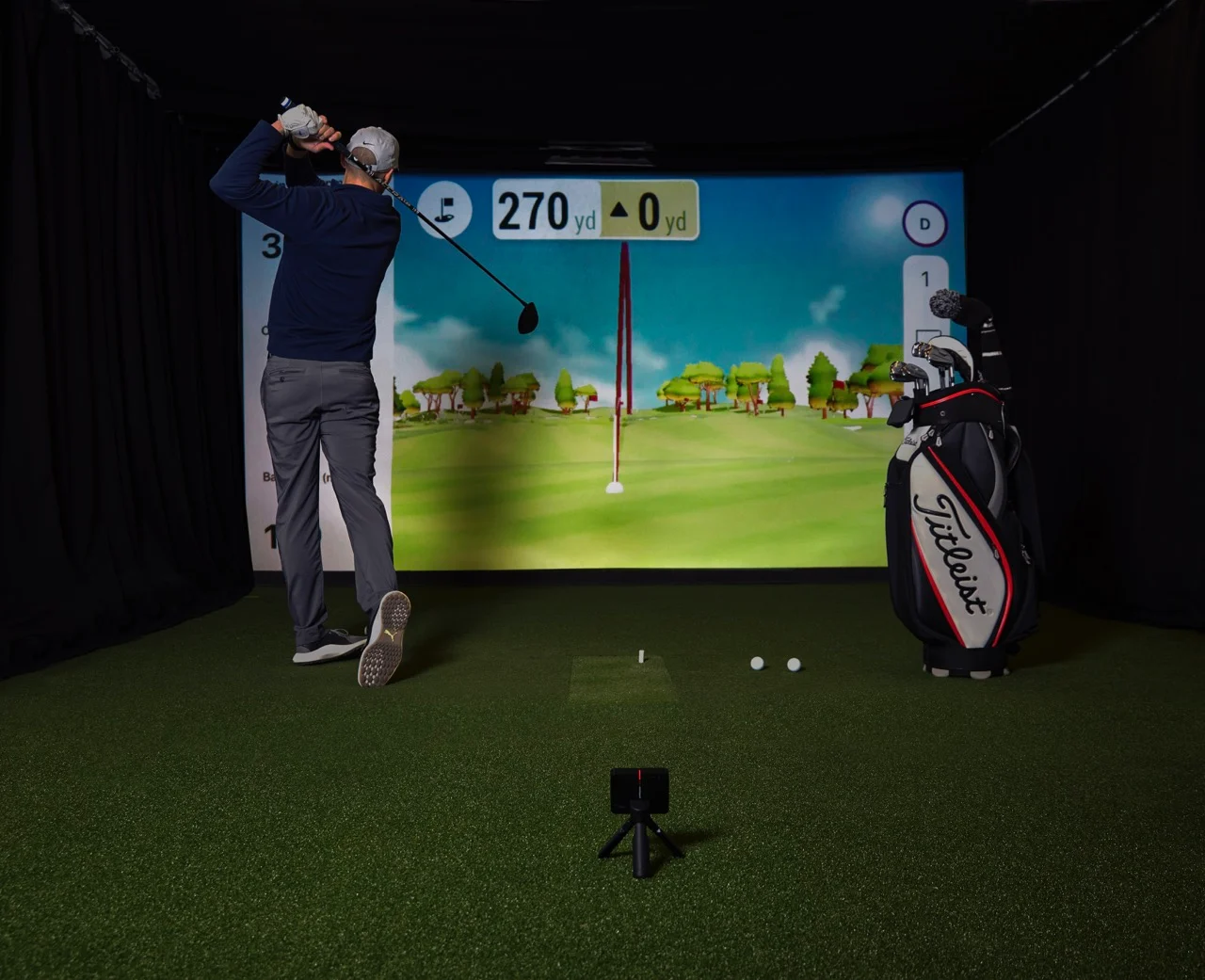
According to Garmin's official documentation, the Approach R10 directly measures only four parameters: Ball Speed, Club Speed, Launch Angle, and Launch Direction. Every other metric — spin rate, spin axis, apex height, carry distance, angle of attack, smash factor — is calculated by algorithm from those four direct measurements.
For spin accuracy this matters significantly. Radar cannot detect gear effect — the change in spin that occurs when the ball is struck off-center on the clubface. A heel or toe strike produces different spin behavior than a center hit, but the R10 has no way to measure where on the clubface impact occurred. The spin axis it reports is an estimate, not a direct measurement. Indoors, where the radar cannot track a full ball flight arc, this becomes more pronounced.
Garmin offers a partial improvement: the Titleist RCT ball, which has a special coating to help the radar read spin indoors. These are effective but they are premium balls with additional ongoing cost.
- Directly measured: Ball Speed, Club Speed, Launch Angle, Launch Direction only
- Spin rate and spin axis: calculated, not measured directly
- Cannot detect gear effect from off-center strikes
- Titleist RCT balls improve indoor spin — but add recurring cost
- No putting mode — at any price or configuration
- Home Tee Hero requires Garmin Golf subscription ($99/yr)
- GSPro: not officially supported by Garmin; community workaround exists
- Minimum room: 15 ft long x 8 ft wide x 8 ft high indoors
Not sure which fits your setup and goals? Email Jay for free advice — he can tell you which one makes sense before you spend a dollar.
✉ Email Jay — Free AdviceMevo Gen 2 vs Garmin R10 — Full Comparison
| Feature | FlightScope Mevo Gen 2 | Garmin Approach R10 | Edge |
|---|---|---|---|
| Price | $1,299 | ~$500 | Garmin R10 |
| Tracking Technology | Fusion Tracking (Radar + Camera) | Radar only (Doppler) | Mevo Gen 2 |
| Directly Measured | Multiple via Fusion Tracking | 4 only: Ball Speed, Club Speed, Launch Angle, Launch Direction | Mevo Gen 2 |
| Spin Axis | Fusion Tracking measurement | Calculated — cannot detect gear effect | Mevo Gen 2 |
| Putting Mode | ✓ Included (Launch Speed, Distance, Direction) | — Not available at any price | Mevo Gen 2 |
| Subscription Required | ✓ None ever | $99/yr for full sim features | Mevo Gen 2 |
| Included Software | FS Golf App free permanent (iOS, Android, PC) | Garmin Golf app free (basic only); sim requires subscription | Mevo Gen 2 |
| Courses Included | 8 E6 courses — lifetime ownership | 43,000+ via Home Tee Hero (subscription required) | Depends |
| GSPro | Official free connector — no extra fee | Not officially supported — community workaround only | Mevo Gen 2 |
| E6 Connect | ✓ Official support | ✓ Official support | Tie |
| Expandability | Pro Package + Face Impact (one-time add-ons) | — No expansion path | Mevo Gen 2 |
| Outdoor Use | ✓ Indoor & outdoor | ✓ Indoor & outdoor; excels on real grass | Both work |
| Special Balls Required | None — any standard ball indoors | Titleist RCT recommended indoors for spin accuracy | Mevo Gen 2 |
| Battery Life | 6 hours, USB-C | 10 hours, Micro-USB | R10 (longer battery) |
| Distance to Ball | 8 feet indoors | 8 feet indoors | Identical |
| Discount | Code GSVMEVO at flightscope.com | Code GSV250 or GSVBUDGET on bundles | — |
Spin Accuracy Indoors — The Most Important Technical Difference
Most budget launch monitor comparisons skip over spin accuracy because it sounds technical. This is a mistake. Spin is the data point that determines how your draw and fade behave in simulator software, whether your distances are realistic, and how useful the data is for actual improvement.
Why the R10 spin limitation matters indoors: The Garmin R10 uses radar only. Radar measures ball speed and direction as the ball flies — it cannot observe the ball at impact. Spin is then calculated backwards from the resulting flight data. The critical limitation is gear effect: when you strike the ball off-center, the off-center hit imparts additional spin that changes ball flight. Radar has no way to detect where on the clubface impact occurred, so it cannot account for gear effect in its spin calculations. Off-center strikes — which happen constantly for real golfers — may not accurately reflect in the R10's spin axis reading. Indoors, where the ball does not fly far enough for the radar to fully read the trajectory, this limitation is amplified.
How Fusion Tracking addresses this: The Mevo Gen 2 adds a synchronized camera component that directly observes the ball during and after impact. This direct observation gives the system more information to work with for spin measurement, including better handling of off-center strikes. The result is more reliable spin data indoors — which translates to more realistic shot shapes in simulator software and more trustworthy numbers for practice and fitting.
Jay's Take: Spin accuracy is the reason most serious sim golfers eventually outgrow the R10. When your draw looks like a hook in the software or your distances do not match up, spin axis reliability is usually a factor. The Mevo Gen 2 is not perfect — no unit under $3,000 is — but Fusion Tracking is a real technical step forward over radar-only for indoor spin measurement.
The Software Story Is Just as Important as the Hardware
Included in Purchase
Third-Party Connectors (No Extra Fee)
✓ No connector fee for any third-party software. Everything included permanently.
Free (No Subscription)
Requires Garmin Golf Subscription ($99/yr)
Third-Party
⚠ GSPro is not officially supported by Garmin. A community-developed interface exists but is not guaranteed to work after firmware updates.
Ready to buy the Mevo Gen 2? Use code GSVMEVO at FlightScope.com for the best available pricing.
→ Buy Mevo Gen 2 — Code GSVMEVOWho Should Buy the Mevo Gen 2 — and Who Should Buy the R10
🎯 Buy the Mevo Gen 2 If…
- You are building a dedicated indoor simulator and want reliable spin data indoors
- Putting is part of your practice routine — the R10 has no putting mode at any price
- You want GSPro with an official, supported free connector
- You want to grow your data over time — the Pro Package delivers professional-grade D-Plane club data as a one-time upgrade when you are ready, without buying a new unit
- You refuse to pay annual subscription fees to use the simulator software you already paid for
- You want Face Impact Location to see your strike pattern on the clubface
- You are serious about using data for real swing improvement
- You want 8 courses owned permanently, not rented behind a subscription
🏈 Buy the Garmin R10 If…
- Budget is the primary constraint and ~$500 is the ceiling right now
- You primarily want to use it at the driving range on real grass, where radar performs well and the full ball flight is visible
- You are new to launch monitors and want a low-commitment way to test whether data-driven practice works for your game before investing more
- You are already in the Garmin Golf ecosystem and the $99/yr subscription has broader value for you
- Home Tee Hero's massive course library at $99/yr suits your casual simulator use
- You understand the spin limitations and are fine with trend data vs. precise spin numbers
- You intend to upgrade to a better unit within 1–2 years and want the lowest-cost entry point now
Not Sure Which One Fits Your Setup? Email Jay — Free.
Jay has used both units and can help you figure out which makes sense for your specific room, budget, and how you actually plan to practice. He also works with trusted partners who offer complete bundle pricing — launch monitor, net or enclosure, mat — that beats buying components separately.
For the Mevo Gen 2, use code GSVMEVO at FlightScope.com. For R10 bundle packages, use code GSV250 or GSVBUDGET at Shop Indoor Golf. Not sure which applies — email Jay and he will point you to the best current deal.
Both under $1,500 but very different devices. Email Jay before you buy — free, no obligation.
✉ Email Jay FreeMevo Gen 2 vs Garmin R10 FAQ
Is the FlightScope Mevo Gen 2 more accurate than the Garmin R10?
For indoor use, yes — particularly for spin. The Mevo Gen 2 uses Fusion Tracking, a patented combination of 3D Doppler radar and synchronized camera, which provides more reliable spin measurement indoors than the R10's radar-only system. The R10 calculates spin from ball flight data and cannot detect gear effect from off-center strikes. For outdoor use on real grass where the radar observes full ball flight, the gap narrows considerably.
Does the Garmin R10 have a putting mode?
No — the Garmin R10 has no putting mode at any price or configuration. The FlightScope Mevo Gen 2 includes putting data — Launch Speed, Total Distance, and Ball Direction — as part of the base $1,299 purchase with no additional fee or subscription required.
Can the Garmin R10 connect to GSPro?
Not officially. Garmin does not support GSPro as an authorized third-party connection for the R10. A community-developed workaround exists that some users have implemented successfully, but it is not supported by Garmin and may stop working after firmware updates. The Mevo Gen 2 has an official free connector for GSPro — no extra cost required.
Does the Garmin R10 require a subscription?
For core simulator features, yes. Basic driving range mode and shot data are free. Home Tee Hero course play, weekly tournaments, cloud video storage, and advanced data tracking all require a Garmin Golf subscription at $99 per year. The Mevo Gen 2 requires no subscription for anything — the FS Golf app, all data parameters, and third-party software connectors including GSPro are permanently free.
What is the FlightScope Mevo Gen 2 Pro Package?
An optional software add-on that unlocks 11 additional D-Plane club data parameters: Club Path, Face Angle, Face to Path, Face to Target, Dynamic Loft, Vertical Swing Plane, Horizontal Swing Plane, Low Point, Club Speed Profile, Club Acceleration Profile, and Vertical Descent Angle. It is a one-time purchase with no annual renewal. Available as a bundle with the unit at ~$1,998 or as a standalone purchase anytime after buying the base Mevo Gen 2.
Do I need special golf balls for the Garmin R10 indoors?
Not required, but Garmin recommends Titleist RCT (Radar Capture Technology) balls to improve indoor spin accuracy. These balls have a special coating that helps the radar read spin in confined spaces. Standard balls work but spin data may be less precise. The Mevo Gen 2 works with any standard or range ball indoors without any special requirements.
What discount codes are available for each unit?
For the Mevo Gen 2, use code GSVMEVO at FlightScope.com. For Garmin R10 bundle packages at Shop Indoor Golf, use code GSV250 or GSVBUDGET. Email Jay at Email Jay if you need help finding the best current deal on either unit.
Ready to Buy? Here Are Your Next Steps.
Use Jay's discount codes for the best available pricing — or email him before you buy for honest free advice on which unit fits your situation.
→ Buy Mevo Gen 2 — Code GSVMEVO → R10 Bundle Packages — Code GSV250 ✉ Email Jay — Free AdviceWhere to buy
- FlightScope Mevo Gen25% off at FlightScope with code GSVMEVO.
- Garmin Approach R105% off at Shop Indoor Golf with code GSV5OFF.First-time buyers only, one use. Not valid on a standalone Trackman, the Square Golf launch monitor or the ProTee VX.
Free consultation. GSV's partner master builders, hand-picked by Jay, get on a call quickly and make sure everything fits, with package deals, DIY packages, full installation and more.
Get a free consultationBuying through GSV's links and codes helps support the channel: GSV earns a small commission at no extra cost to you, and you still get every saving available. Prices are on the shop's page. Codes last checked October 7, 2026.
Build the rest of your sim
- Enclosure and screen$250 off at Shop Indoor GolfShop
- Carl's Place enclosure5% off, code sent by emailShopGet the code
- Hitting mat$20 off at Shop Indoor GolfShop
- Projector5% off at Shop Indoor Golf. First-time buyersShop
- Simulator computerSurfThing: $100 off applied automatically, no codeShop
- TouchscreenGSV code for TouchscreenGuruShop
- Complete package$250 off at Shop Indoor GolfShop
GSV earns a small commission on these links, at no extra cost to you. Shop Indoor Golf takes one code per order.